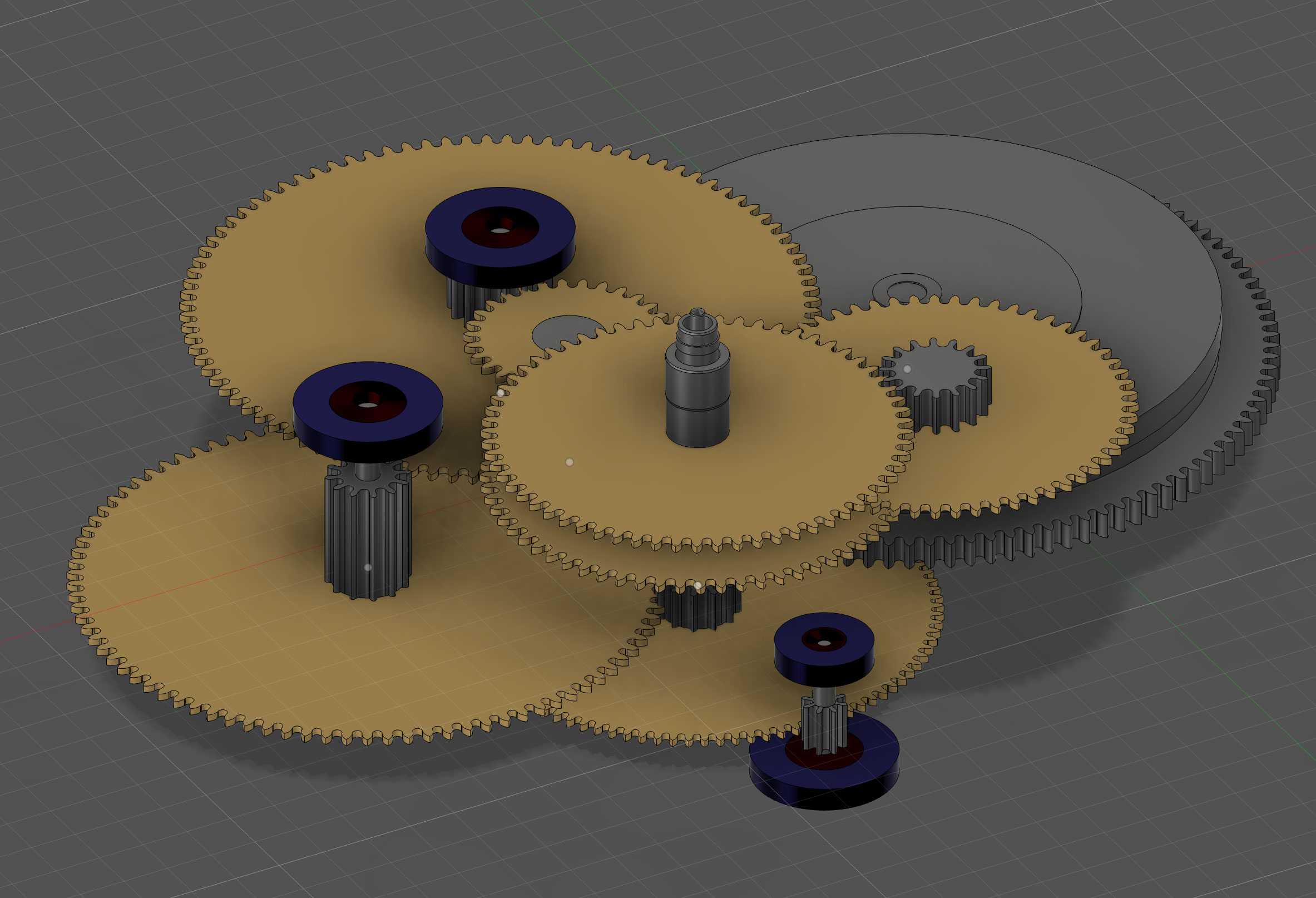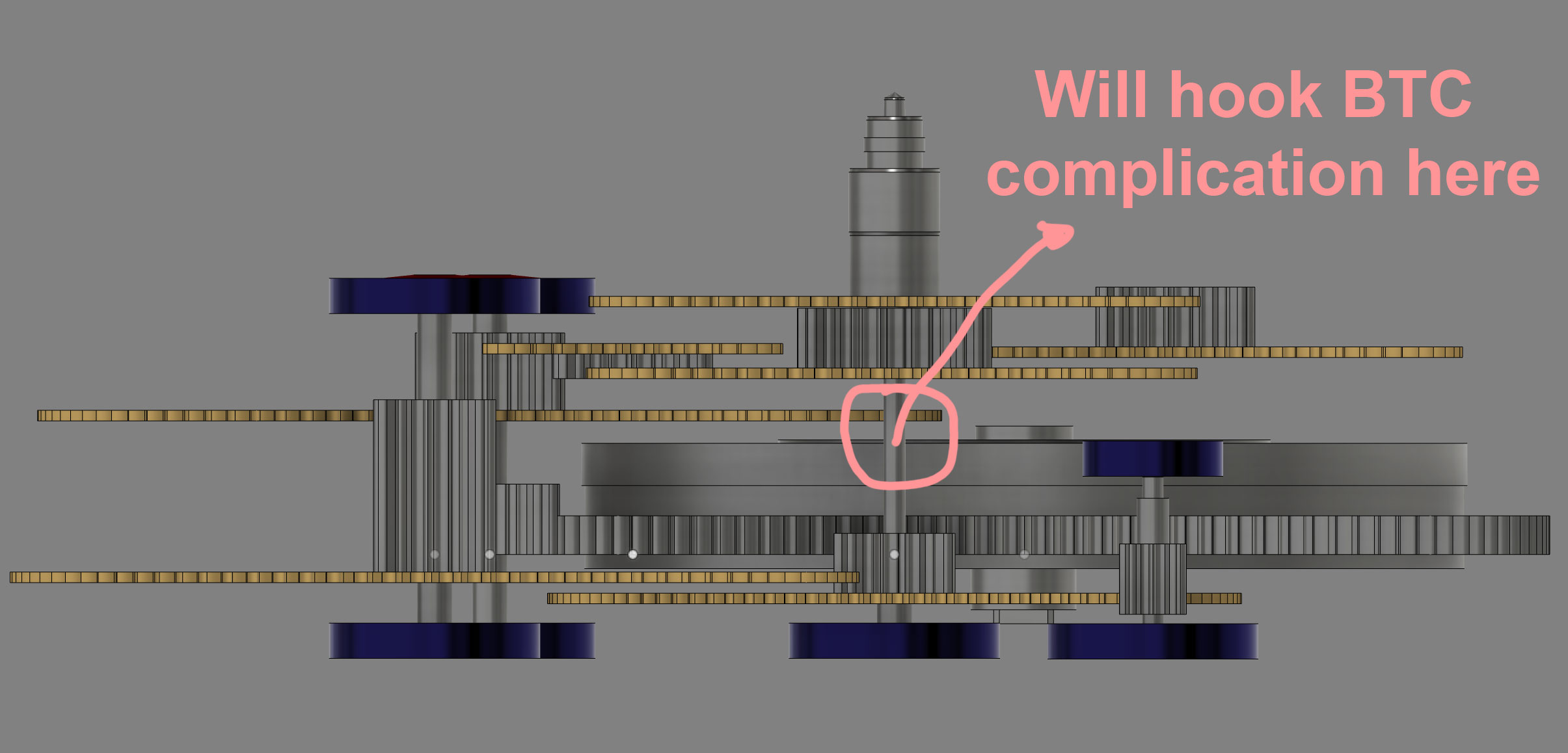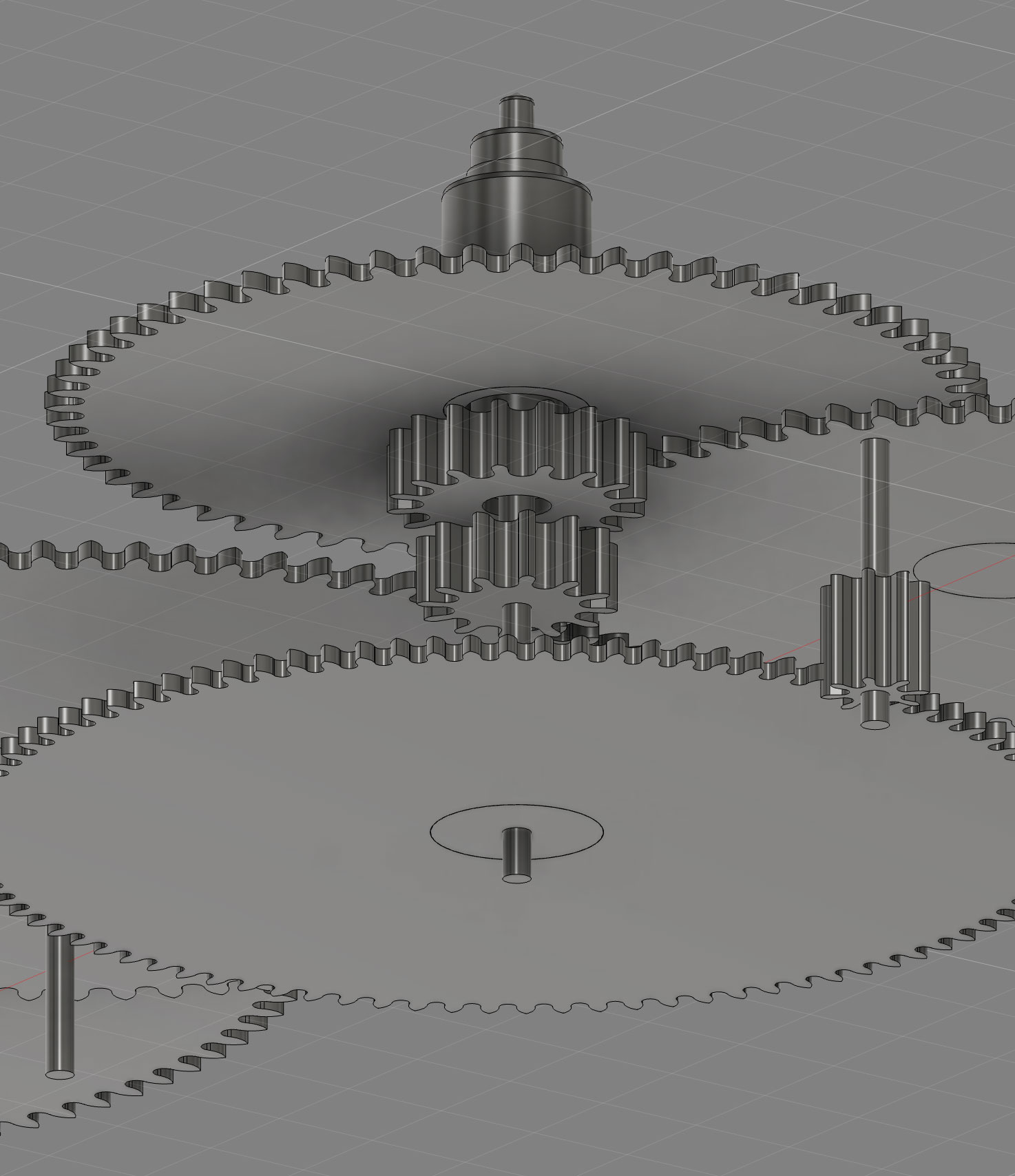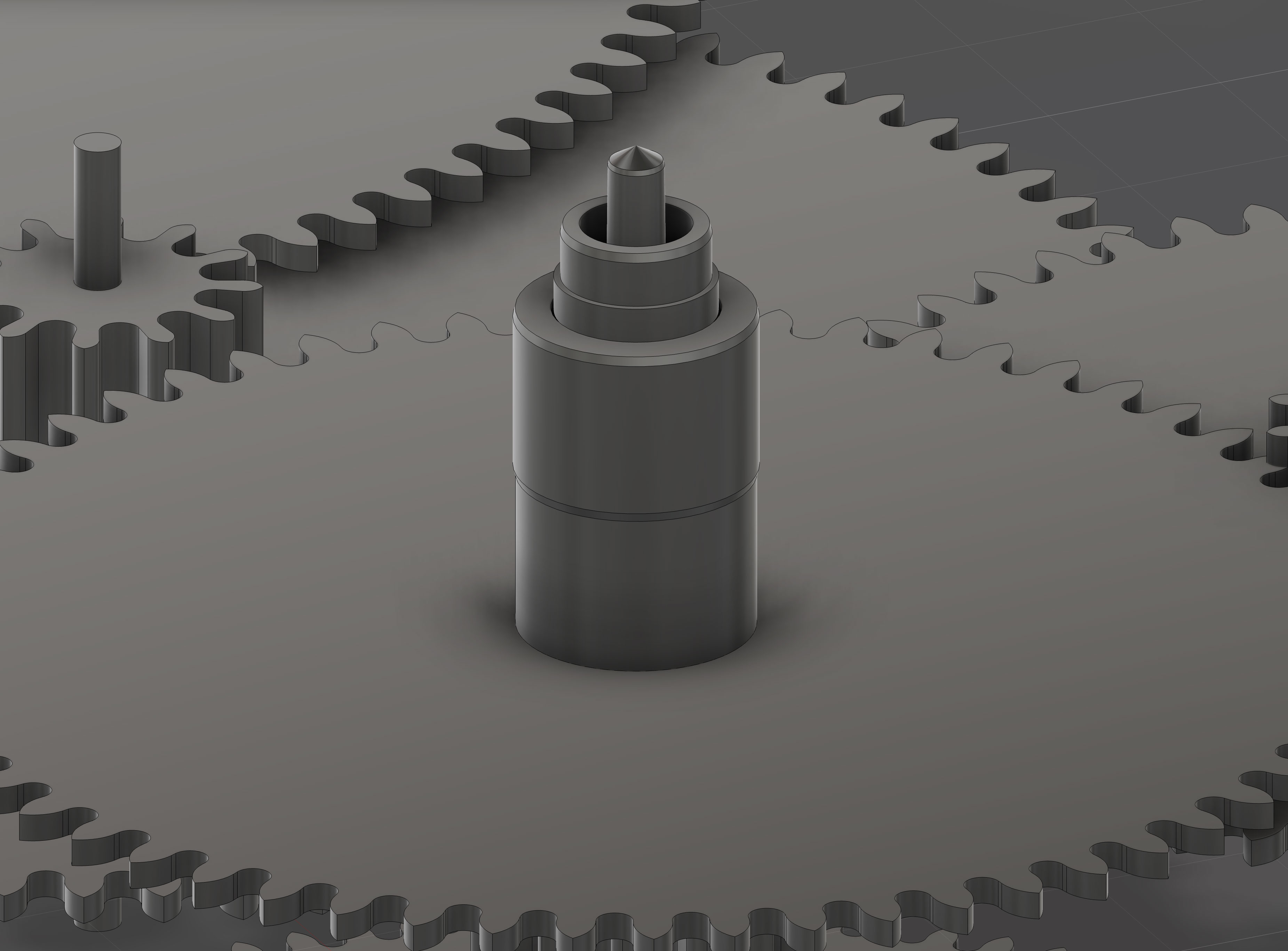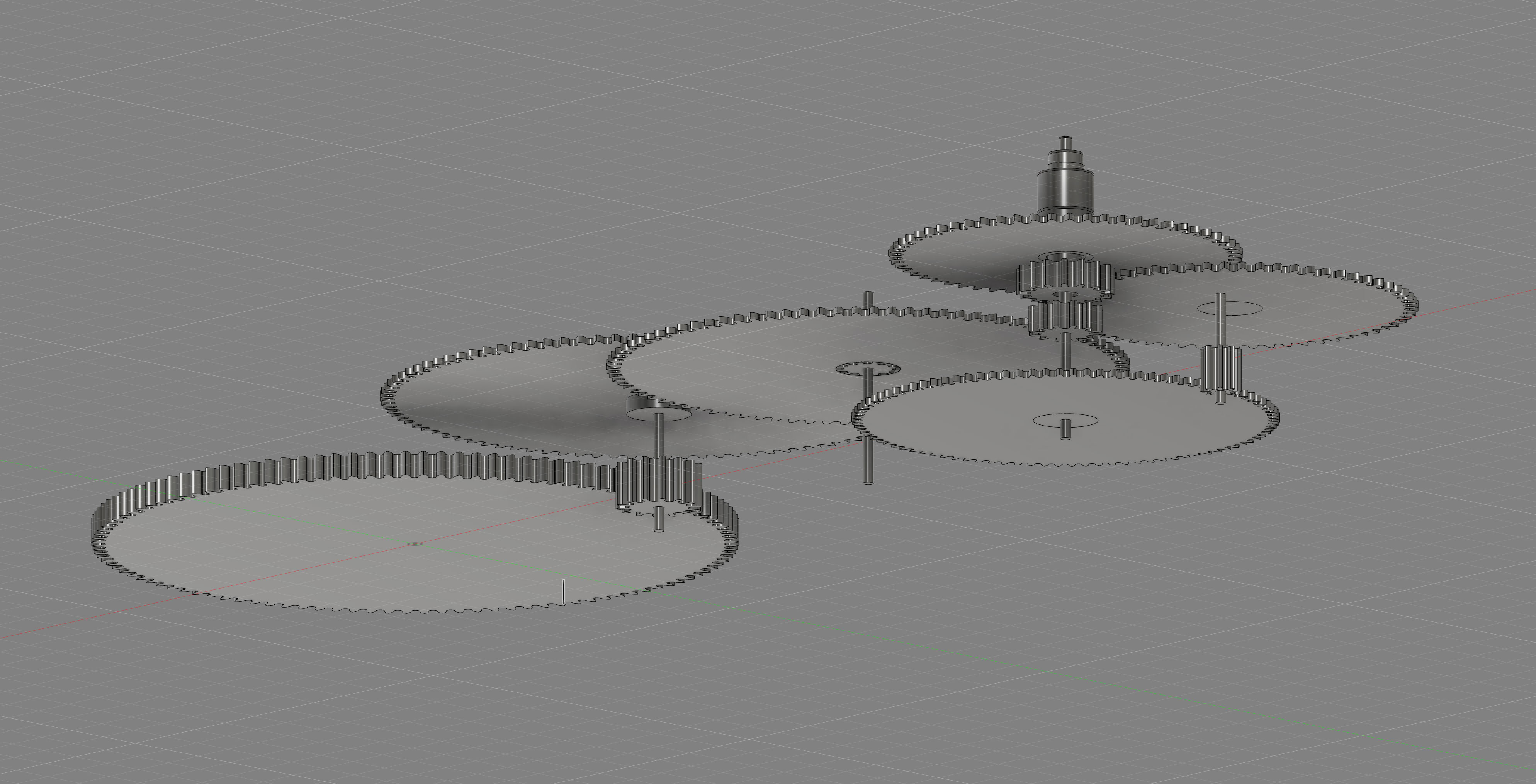
TLDRRealized a tiny error in my calculations could throw everything off, so I went back to basics: recalculated gear ratios with AI's help and aligned everything to NIHS standards. Now, itโs precise and ready for the next steps, like adding Bitcoin features and jewel positions, one careful step at a time. ๐ ๏ธ๐
Show moreShow less
Rushed ahead a bit... then realized the numbers werenโt lining up. Even the tiniest error matters here.
So I paused. Took a step back. Recalculated everything ๐
Wrote a script โ with a little help from AI ๐ค โ to find the exact gear ratios I need. No guessing. Just clean math.
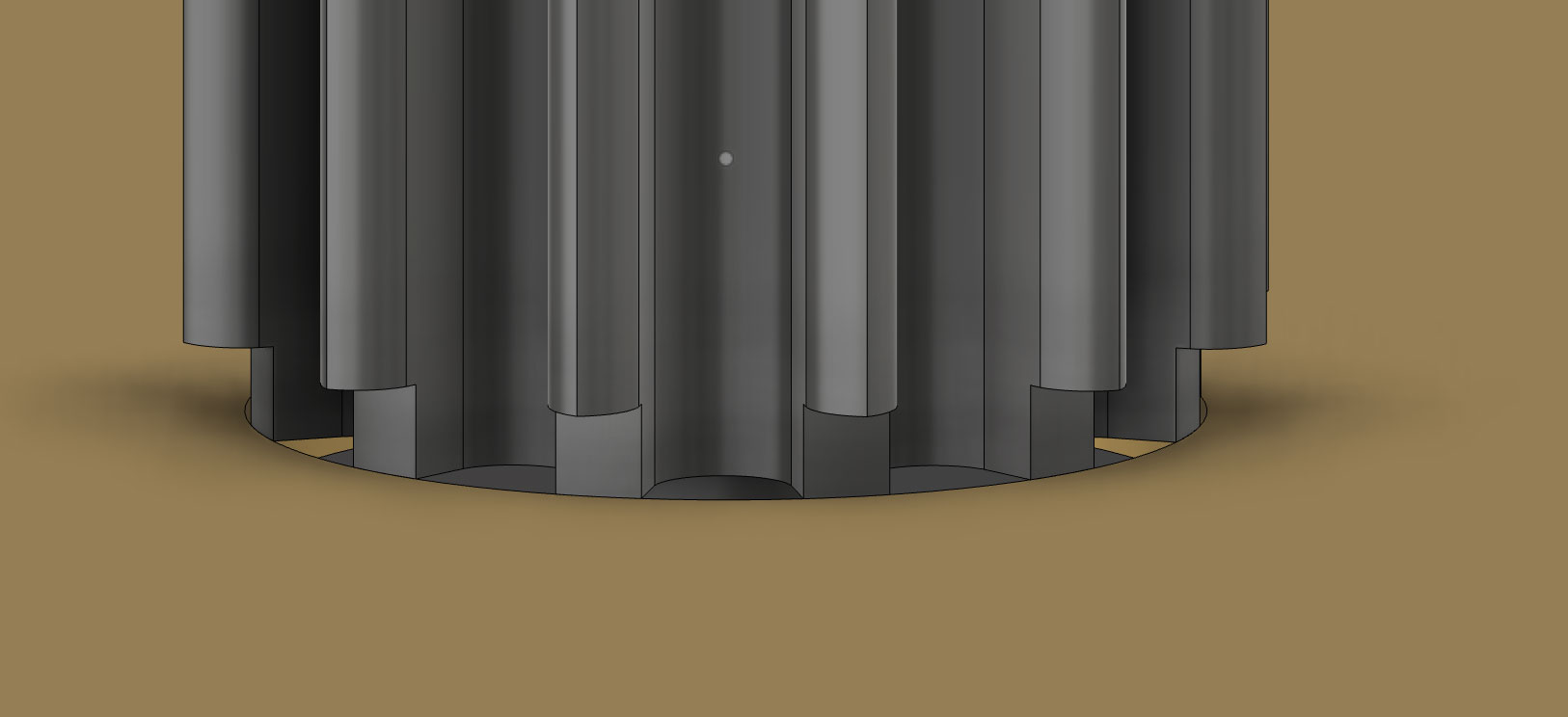
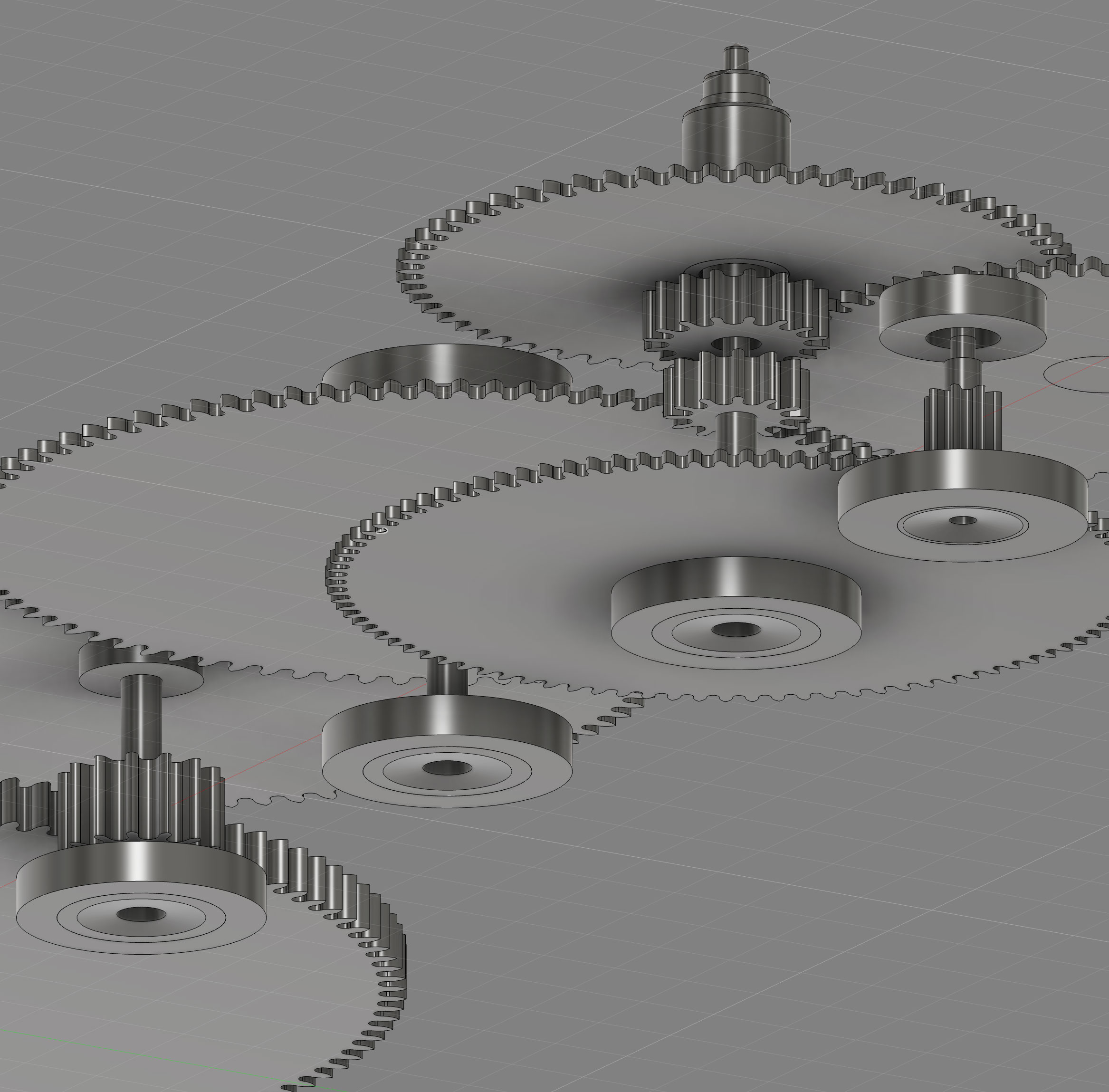
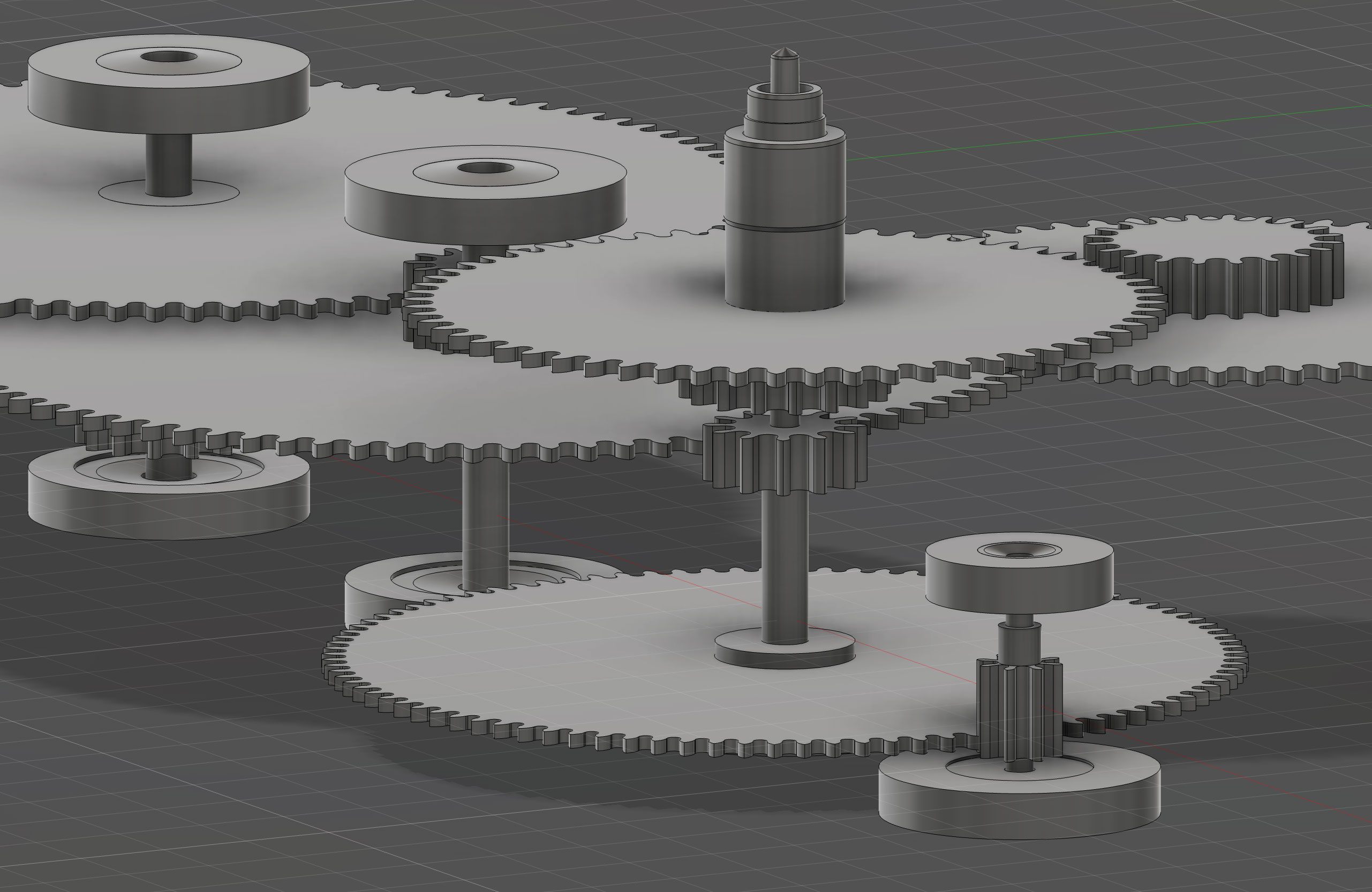
Then came the drawing script, built to match those ratios and follow NIHS standards to the dot ๐
Now it feels solid. Precise. On track.
Iโll keep building on this โ adding the Bitcoin complication โ๏ธ, jewel positions ๐, and initial bridges. One step at a time.
TLDRYour lathe is finally set up and ready to work after a lot of trial and error, including rebuilding it from the ground up due to some serious manufacturer issues like vibrations and bad software. Youโve now got a solid tool setup and tackled a steep learning curve with electronics, thanks in part to some crucial help from Alexis. Next up: refining your machining skills and creating some intricate mechanical art. ๐จ๐ ๏ธ
Show moreShow less
After weeks of learning, mistakes, and exciting breakthroughs โ the lathe is finally good to go! ๐ ๏ธ
I had to remake the backplate three times due to different layouts. The lathe's travel is limited, so I had to get creative. But now itโs dialed in and solid.
โ ๏ธ Manufacturer Woes (Mucho NO recommendo)
To be honest โ the manufacturer did a terrible job on this lathe. It came with:
Insane vibrations
Super loud noise during operation
Broken and unconfigurable software
Default tool change macro that literally caused a collision ๐ค
That mess sent me down the rabbit hole of rewiring, reprogramming, and rebuilding much of the system from scratch. Painfulโฆ but I now know the machine inside out!
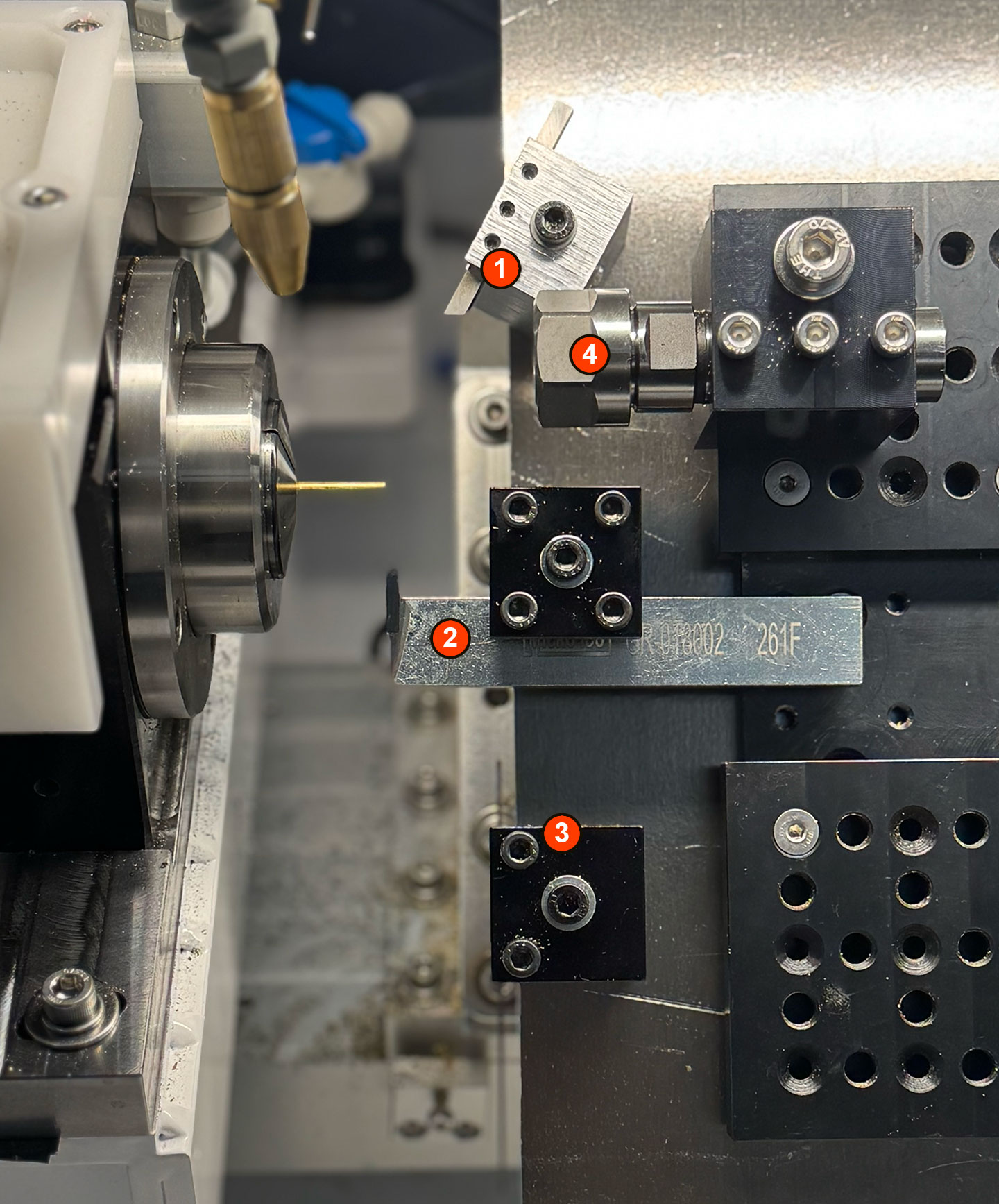
๐ฉ Current Tool Setup (4 Tools)
HSS Cutting Tool โ hand-ground by me at a 45ยฐ angle. My first toolmaking experiment!
Micro 100 Grooving Tool โ fantastic for tight grooves and channeling.
Cutout Tool โ great for partying shapes with high precision.
Drill Fixture โ holds fixed drills securely for consistent center holes.
โ๏ธ Motor: The Real Challenge
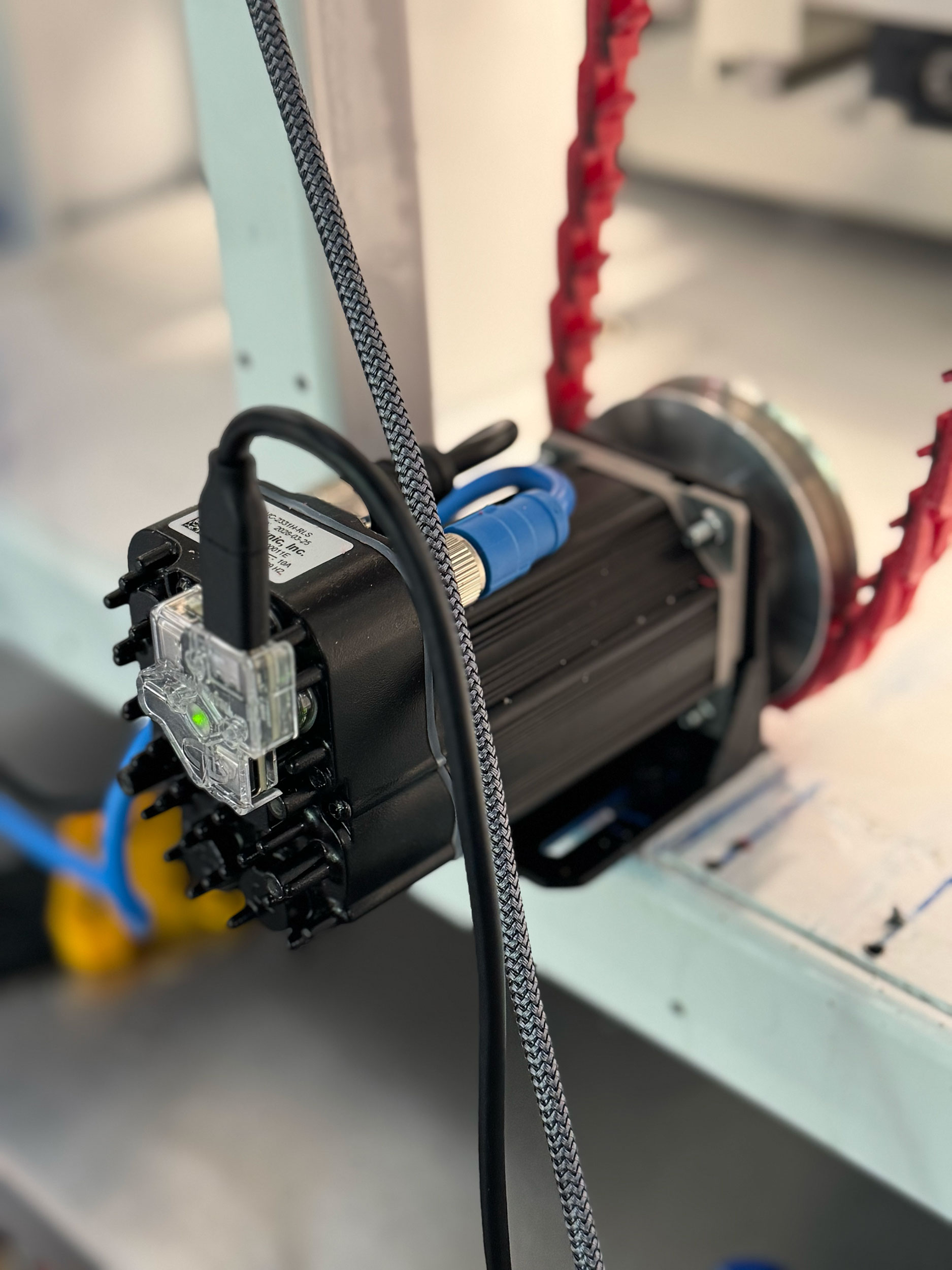
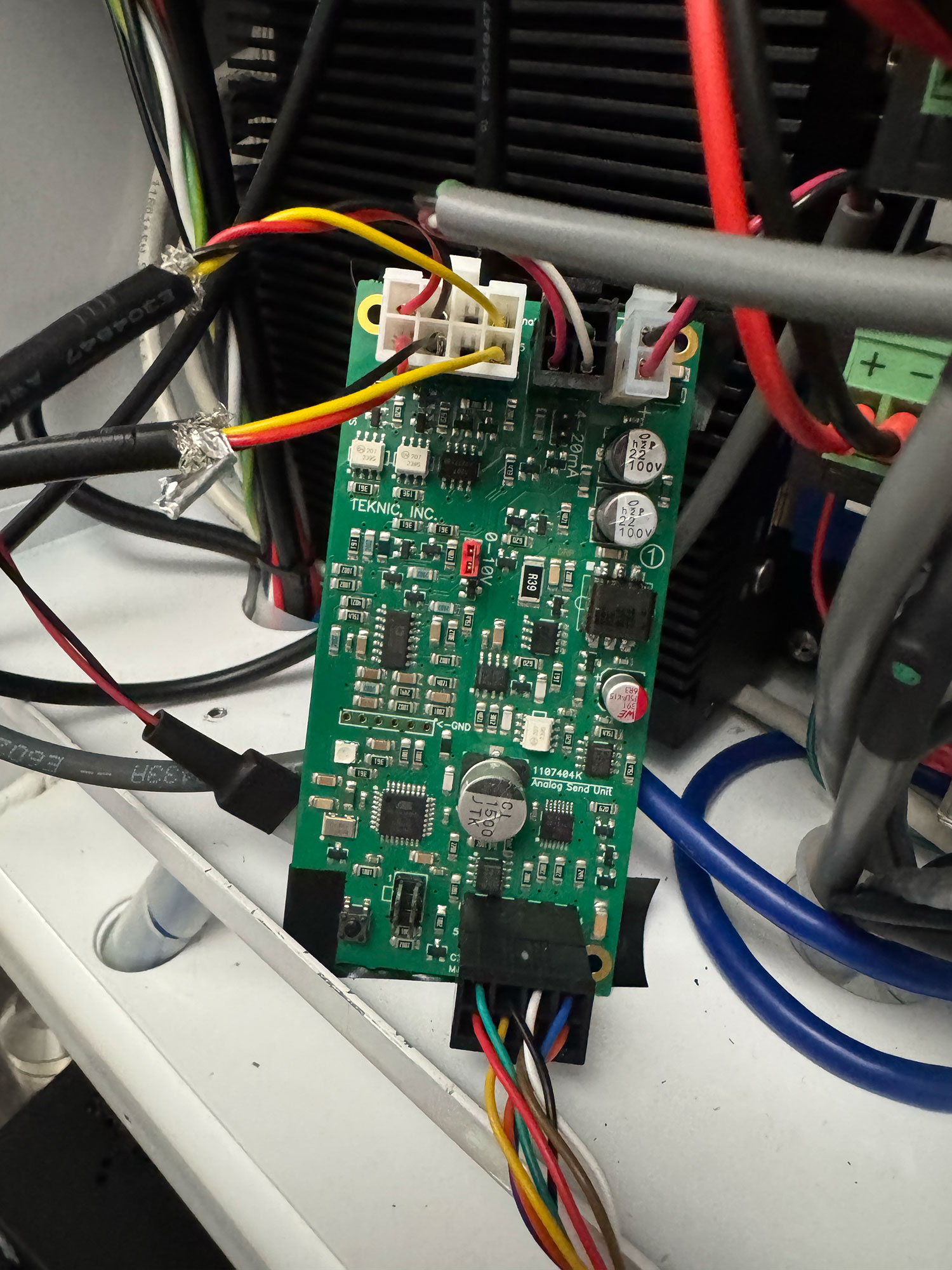
The motor was the trickiest part. I used a Teknic ClearPath Integrated Servo Motor, paired with a power supply, analog send unit, and 22 AWG cables. Iโve never worked with electronics before โ so learning to use a multimeter, solder, crimp, and protect everything properly was a major win.
Big thanks to Alexis โ couldnโt have done this without his help! ๐
๐ Spindle & Drive
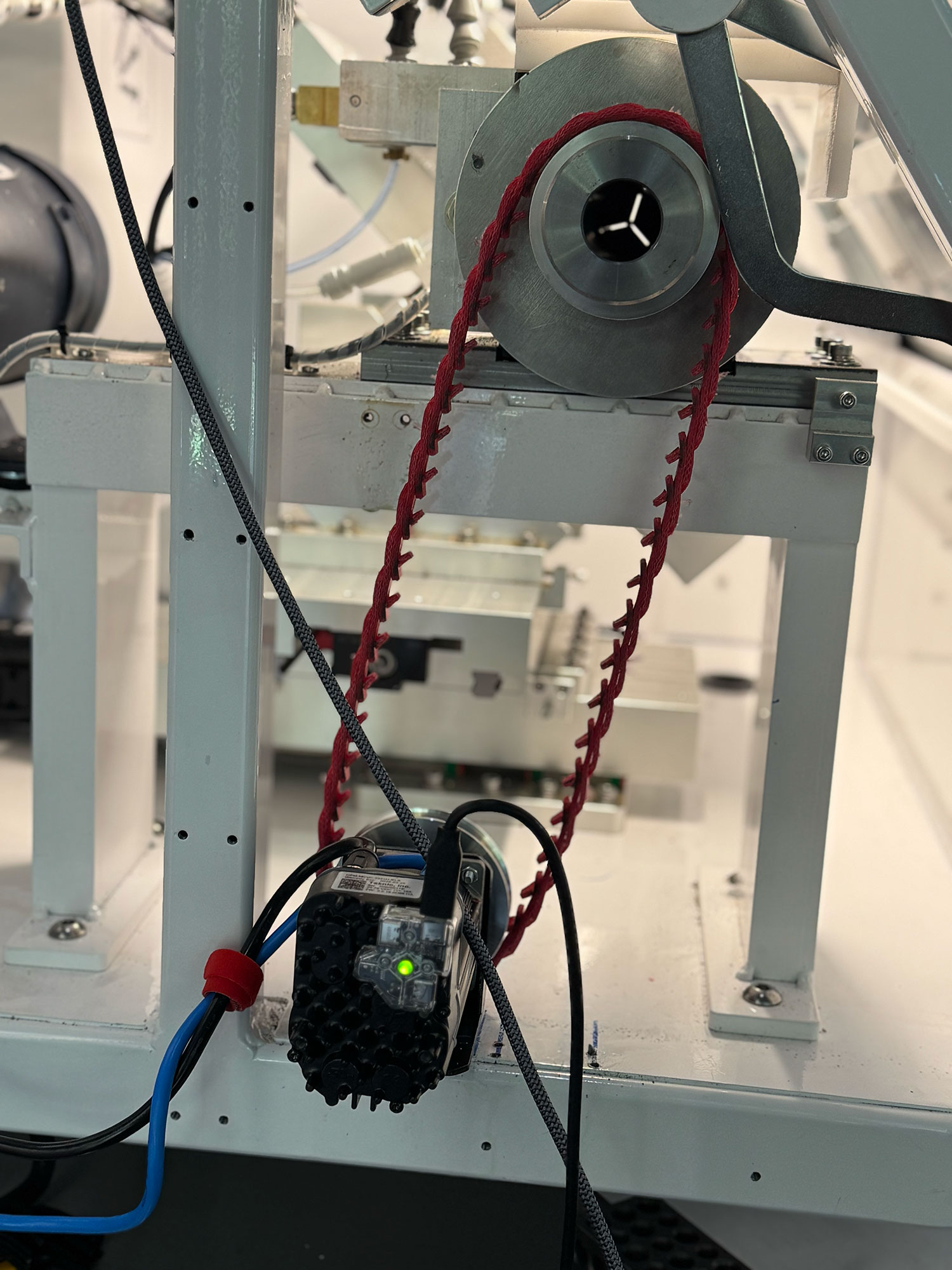
I went with a Power Twist V-belt. Pulleys are almost 1:1, and even though thereโs some drop in RPM (from 2520 to 2320), it feels solid and precise so far.
โ Past Weeks Recap
Polished the keyless works, winding mechanism, bridges, and barrel arbor
Aligned the Elara 4th axis to within 0.01ยฐ
3D printed the case, revised leg length to avoid scratches
Built a new brass fixture for 3.0mm stock (no more Loctite hacks!)
Achieved 2ฮผm precision in XYZ on the Elara mill
Got replies from Incabloc and updated the balance staff accordingly
Started grinding my own lathe tools from HSS bar stock
Published all blog updates via Nostr โ auto-summarized with ChatGPT
๐ฎ Whatโs Next?
Finish the balance staff with final jewel specs
Cut, test, and compare Micro 100 vs HSS tools
Design and fabricate the elusive crown gears
Improve pulley ratios and optimize RPM at the spindle
Figure out how to secure the movement inside the case
Start polishing and finishing parts for real assembly!
Super excited for whatโs coming! Letโs make some beautiful, tiny mechanical art ๐โจ
TLDRBig updates on the site: you can now react to posts for quick feedback, share posts easily with new permalinks, and enjoy Smart Summaries that automatically condense posts with ChatGPT and post to Nostr. The goal? More streamlined, connected interactions for everyone. โก
Show moreShow less
Website Updates: Reactions, Permalinks, and Smart Summaries โก
Some exciting updates to the site this week!
๐ Reactions: You can now react to blog posts โ quick way to share a vibe or show support!
๐ Permalinks: Each post now has a clean permalink. Sharing specific moments just got easier.
๐ค Smart Summaries + Nostr: Weโve added an automated system that uses ChatGPT to summarize each blog post and auto-publish it to Nostr. No more double posting!
Bit by bit, the site is getting more connected and streamlined. Watchmaking meets automation โจ
TLDRI'm testing out Micro 100's carbide tools to see if they outlast HSS tools, especially in micro-scale work. I'm using their BT-6, PF5-050150, GR-018002, and T-100 tools for precise turning and grooving tasks in tight spaces. If they deliver cleaner finishes and durability, they'll be a game-changer for detailed lathe work. ๐ ๏ธ
Show moreShow less
Trying Out Micro 100 Tools ๐ ๏ธ
I've noticed that HSS tools wear out quite fast, especially at the micro scale. So, Iโm giving Micro 100 a go โ excited to test their high-quality carbide tooling for turning.
Hereโs what Iโm trying:
BT-6 (Box Tool): Ideal for creating accurate shoulders and flat faces in confined areas. Great for tight workspaces and forming box-like geometries.
PF5-050150 (Profiling Tool): A fine profiling tool with a 0.5mm radius, perfect for tiny contours and detailed turning operations.
GR-018002 (Grooving Tool): Designed for making ultra-fine grooves โ this one's got a 0.018" width. Precise, clean groove cuts!
T-100 (Cutoff Tool): A solid carbide tool for parting off tiny components. Rigid and sharp โ ideal for micro-scale cutoff tasks.
Hopefully, these will hold up better than HSS and bring cleaner finishes to the lathe work. Time (and testing) will tell!
TLDRIn this blog, the writer shares their journey of honing precision in machining by manually sharpening tools and learning from seasoned craftsmen online. They experienced the satisfaction of a beautiful finish on a balance staff, though intentionally left oversized to test control and resistance. Next steps involve fine-tuning machine settings to achieve greater repeatability and mastery, embracing the learning process along the way. ๐ ๏ธ
Show moreShow less
Sharpening, Turning, and Chasing Precision
This session was about slowing down and listening to the work.
I manually sharpened my HSS tools using both India and Arkansas stones. No machines. Just me, the edge, and the feeling of steel against stone.
To confirm cutting direction, I studied the old masters โ especially T&T&Tโs YouTube videos. Watching their moves, the angles, the confidence โ that gave me clues I couldnโt learn from CAD or cam simulators.
With my newly sharpened tools, I cut half of a balance staff. The finish? Beautiful. The dimensions? Still oversized โ I left too much material. But that was the plan: test control, feel resistance, and watch the chips curl cleanly.
Whatโs next? I need to dial in G54 more precisely, and set tighter offsets for tool 2+ on my gang-style lathe. Thatโs the only way to achieve the repeatability and control Iโm after.
Every small improvement feels like a step toward mastery โ and Iโm still happy to fail along the way.
TLDRHere's the scoop: While setting up a gang-style tool system with Mach4 and Fusion 360, I hit a snag where Mach4 didn't update the Y-offset immediately after a tool change, leading to misalignments. My fix? A custom macro, M200, ensures the Y-offset is correctly applied by temporarily adjusting the Z-axis, then moving Y to zero, and restoring Z. This tweak turned a potential headache into a smooth workflow, reminding me that overcoming quirks teaches more than smooth sailing ever could. ๐ ๏ธ
Show moreShow less
Learning, Trying, Failingโฆ but Happy
This week, I hit an unexpected behavior while setting up my gang-style tool system with Mach4 and Fusion 360.
Hereโs the layout:
Tool 1 is positioned manually and sets G54.
Tool 2 and beyond use XYZ offsets relative to Tool 1.
Fusion 360 doesnโt emit Y moves for tool changes in lathe ops โ it assumes only XZ movement.
So far, so good... until I discovered this ๐คฏ:
After a tool change using M6, running G0 Y0 still uses the previous toolโs Y offset!
What I mean is this: (M6 macro)
mc.mcToolSetCurrent(inst, selectedTool)
mc.mcCntlGcodeExecuteWait(inst, "G0 Y0") ๐ This uses the previousTool YOffset!!! โ ๏ธ ๐คฏ
This happens because M6 internally calls setCurrentTool, but Mach4 doesn't apply the Y-offset until after the macro finishes. That means if you issue any move (like G0 Y0) immediately after M6, youโre still running with the old offset. Yikes.
My solution: I created a custom macro: M200.
So then, I modified Fusion 360โs Mach4 Turning Postprocessor to call M200 immediately after each M6 command.
how you may be wondering, well like this: (this is in the mach4-turning postprocessor downloaded from Autodesk website)
Now every tool change is reliable and precise โ no more misaligned cuts or offset confusion. Itโs a small fix, but one that makes the difference between frustration and confidence on the lathe.
Mach4's quirks taught me a lot this week โ and solving them made me enjoy the process even more.
TLDRJust generated my first G-code for a balance staff using Fusion 360, though Iโm not sure itโll work since the staff is incredibly tiny. Still, it's thrilling to be making progress in such a precise and patient craft. ๐ Check out the journey with a video update on my blog!
Show moreShow less
Balance Staff G-Code: First Try!
Today I added the tool to the Fusion 360 library and generated my first G-code for the balance staff.
No idea if itโll actually work โ the staff is incredibly tiny โ but still, itโs super exciting to be taking these steps forward!
Every day feels like a leap into precision and patience ๐
TLDRJust built a gang-style tool holder for my lathe using a Jet-12 drill press, mixing manual drilling and CNC milling for precision. This setup is perfect for quick tool swaps, boosting efficiency in my watchmaking projects. If you're into DIY tooling or just love practical shop solutions, check out the full process in my YouTube video! ๐ฅ
Show moreShow less
๐ฉ Building a Gang-Style Tool Holder with the Jet-12 Drill Press
Hey everyone! ๐ Just wrapped up a fun and super practical project: I made a custom gang-style tool holder for my lathe using the trusty Jet-12 drill press ๐ ๏ธ.
And made a youtube video about it!
The idea was simple: take a solid aluminum base (of 6061) and add four holes โ three threaded, one milled โ to hold different lathe tools in place. Perfect for quick swaps and consistent positioning ๐ก.
Using the Jet-12, I drilled the holes manually ๐ and then tapped three of them for screws ๐ฉ. The fourth hole? I milled it with G-code on my CNC for precise dimensions. Mixing manual and CNC machining is always a fun combo โ and it worked great! ๐
The result is a simple but super useful gang-style holder that boosts efficiency and repeatability, especially for small precision parts like the ones I make for my watchmaking projects โ๏ธ.
If youโre into lathes, tooling setups, or just like geeking out over shop-made solutions, I think youโll enjoy the process. Iโve got a video showing everything โ check it out! ๐ฅ๐
Stay sharp and keep building cool stuff! ๐ชโ๏ธ
TLDRDiving into toolmaking, I tried my hand at cutting and grinding HSS bars to make lathe tools, shaping them with a 45ยฐ angle. ๐ ๏ธ While there's still room for improvement, testing them on the lathe was super rewarding. Itโs early days, but crafting my own tools is a fun and satisfying journey. ๐
Show moreShow less
First Steps in Toolmaking: Grinding HSS Bars โ๏ธ
Today I ventured into a new territory: sectioning and grinding HSS bars. I cut them to size and shaped them with a 45ยฐ angleโmy first attempt at making lathe tools! ๐ ๏ธ
After that, we ran some tests on the lathe to see how they performed. Still a lot to refine, but itโs incredibly satisfying to start using tools I shaped myself.
Onward to sharper edges and cleaner cuts! I'm still experimenting and not an expert โ just learning and having fun ๐
TLDRJust started designing a Bitcoin watch complication that visually circles every 10 minutes, mirroring the average time to mine a new Bitcoin block. โ๏ธ It's early days, but seeing it come together is exciting. Stay tuned for updates as this unique concept evolves!
Show moreShow less
Exploring the Bitcoin Complication ๐ช๐ฐ๏ธ
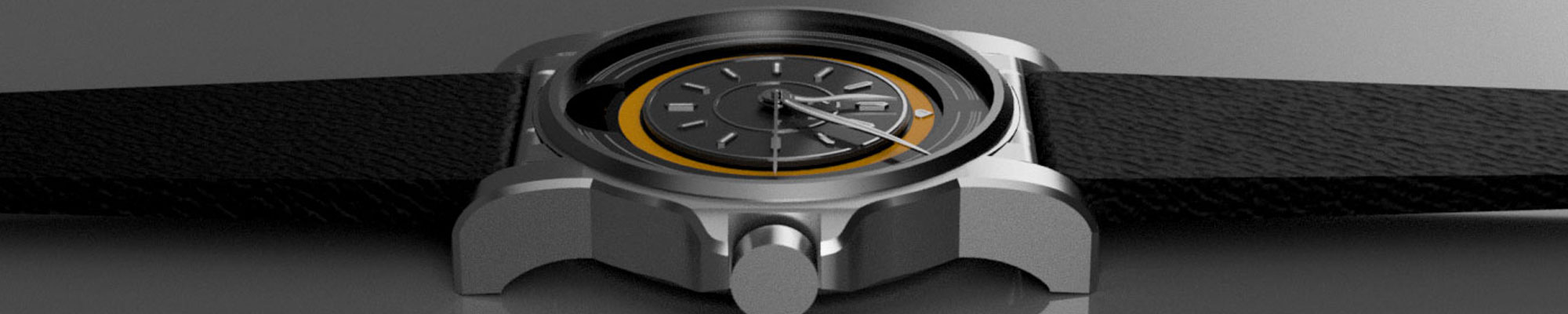
Today I started trying out an initial layout for the Bitcoin complication. The concept is simple but exciting: a visual element that circles every 10 minutesโin sync with the average time it takes to mine a new Bitcoin block. โ๏ธ
Itโs still very early in the design phase, but seeing it take shape inside the movement layout is incredibly motivating. Canโt wait to share more as this idea evolves!